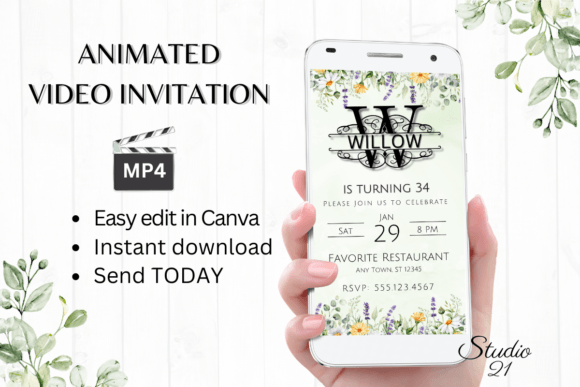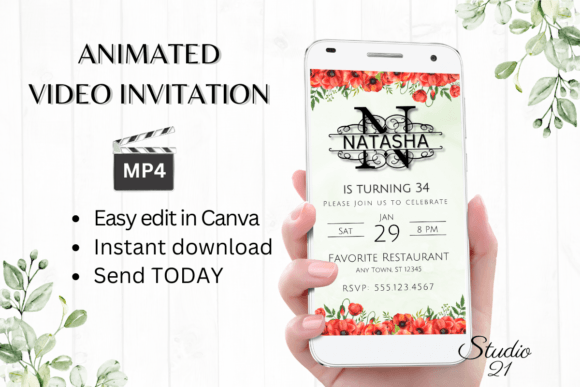
Smartphone Invitation (Monogram N): Elevate Your Digital Event
There’s a certain charm to a monogram—it’s personal, timeless, and instantly elevates any design from ordinary to bespoke. When you combine that classic elegance with the dynamic energy of a digital animated template, you get something truly special for your next event. The Smartphone Invitation (Monogram N) template isn’t just another evite; it’s a sophisticated design asset that marries the personalized feel of a hand-crafted monogram with the convenience and impact of modern digital communication.
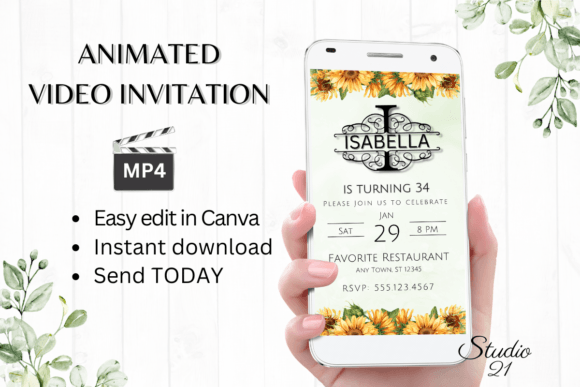
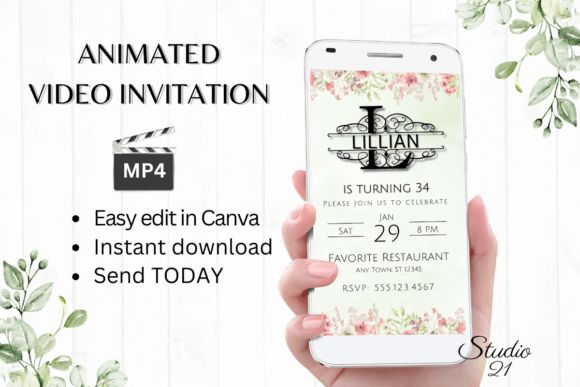
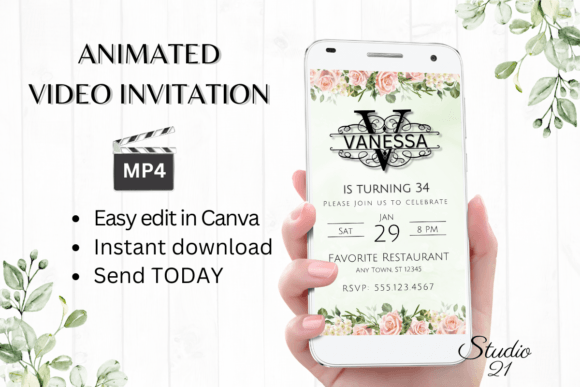
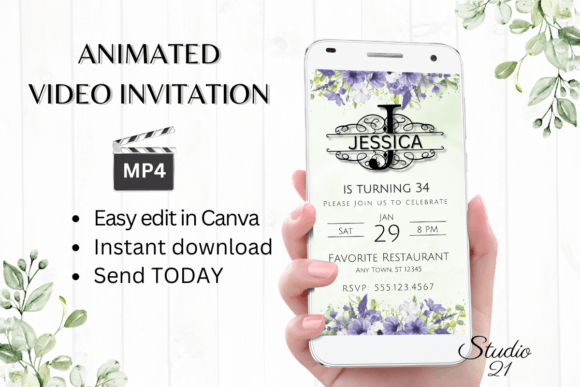
This particular template leverages the strong, clean lines of a monogrammed "N" to create a focal point that feels both luxurious and approachable. Whether you’re announcing a wedding, a milestone birthday, a corporate gala, or a boutique product launch, this design sets the tone immediately. The animation adds a layer of engagement that a static image simply can’t match, guiding the viewer’s eye and creating a memorable first impression before they even read the event details.
Why a Monogram Template Works for Modern Invitations
In a world saturated with generic digital messages, standing out is crucial. A monogram, especially one integrated into a sleek smartphone-sized layout (1080 x 1920 px), speaks volumes about attention to detail. It suggests that the event you’re hosting—or the brand you’re representing—values quality and personal connection. This isn’t just about sharing information; it’s about crafting an experience from the very first moment someone opens the message.
The practical applications extend far beyond personal parties. Consider a small business owner launching a new collection. Using a monogram-style animation for the digital announcement can reinforce brand identity instantly. The "N" could stand for the business name, a new product line, or even the founder’s initial, creating a cohesive visual thread across all marketing materials. For content creators, this template offers a polished way to announce collaborations, live streams, or exclusive subscriber events, adding a professional touch that builds credibility and excitement.
Design Flexibility at Your Fingertips
One of the greatest strengths of this template is its accessibility. You don’t need to be a graphic designer or invest in expensive software to create something beautiful. The entire editing process happens in Canva, a free and intuitive platform. This means you can personalize every element directly from your computer or even make quick adjustments on your mobile device. Change the font style, color, and size to match your brand palette. Swap out the animation style to better reflect the mood of your event—whether it’s elegant and slow or upbeat and energetic. You can add, delete, or edit text effortlessly, ensuring every detail is perfect.
This level of control is invaluable for maintaining visual consistency across your brand identity. If you’re using a specific sans serif font for your website or a particular script font for your social media graphics, you can likely incorporate those here, provided they’re available in Canva. The ability to tweak text effects means you can ensure readability against the animated background, a critical consideration often overlooked in dynamic designs. The result is a cohesive piece that looks like it was custom-designed by a professional, even if you created it in minutes.
From Edit to Share: A Seamless Workflow
The process is designed for immediacy. Once you purchase the template, you receive a PDF with a direct link to the Canva template and a clear user guide. There’s no waiting for proofs or back-and-forth with a designer. You have immediate access to start editing. This is perfect for busy entrepreneurs, last-minute event planners, or anyone who values efficiency without sacrificing quality.
When your masterpiece is ready, sharing it is just as straightforward. You can download the final animation as an MP4 file. This format is universally compatible, allowing you to send it via text message, Messenger, iMessage, WhatsApp, or any other messaging service. For a more formal approach, you can also generate a shareable link to include in an email invitation. This versatility ensures your invitation reaches your audience in the way that’s most convenient for them, increasing the likelihood it will be seen and acted upon.
Practical Tips for Maximizing Your Invitation’s Impact
While the template provides a stunning foundation, a few thoughtful tweaks can make it even more effective. First, consider your color choices carefully. While you can change everything, ensure the new colors align with your event’s theme or your brand’s established palette. High contrast between text and background will always improve readability, especially on mobile screens.
Next, think about typography pairing. If the template uses a display font for the monogram and a serif font for details, you might keep that pairing for balance, or you could experiment. Perhaps pair a clean sans serif with a elegant script for a modern yet personal feel. The key is to test different combinations within Canva to see what feels right for your message. Don’t forget to review the animation style; a subtle fade might suit a formal affair, while a playful pop could be perfect for a birthday celebration.
Finally, remember that this is a digital asset with a commercial license. You’re not just buying a one-time invitation; you’re acquiring a design tool that can be reused and adapted for multiple projects. A marketing professional could use variations of this template for different campaign announcements. A crafter could personalize it for each client’s event. The possibilities are limited only by your creativity.
The Bottom Line: Professional Polish with Personal Touch
The Smartphone Invitation (Monogram N) template solves a common problem: how to create a high-impact, professional-looking digital invitation quickly and affordably. It bridges the gap between the need for custom branding and the reality of tight budgets and timelines. By leveraging a powerful design platform like Canva and starting with a beautifully animated monogram framework, you’re able to produce a piece of visual communication that genuinely engages your audience. It’s a practical, versatile, and stylish solution for anyone looking to make their next announcement truly stand out.