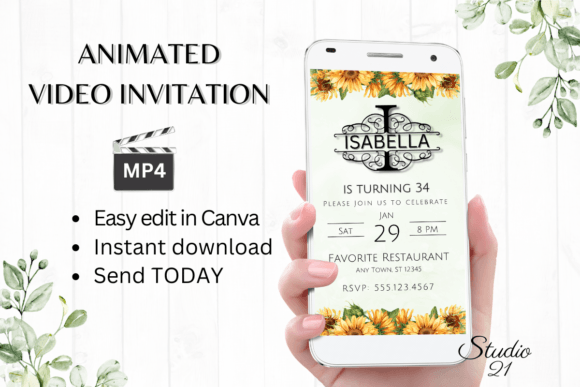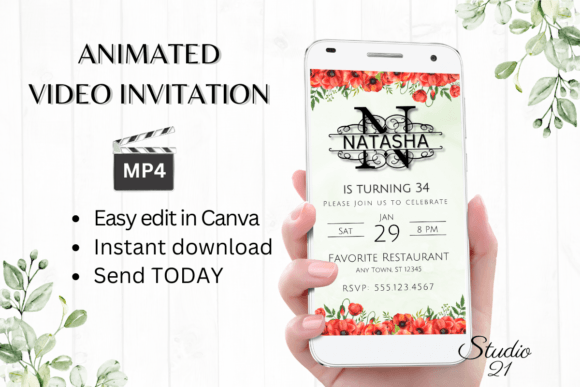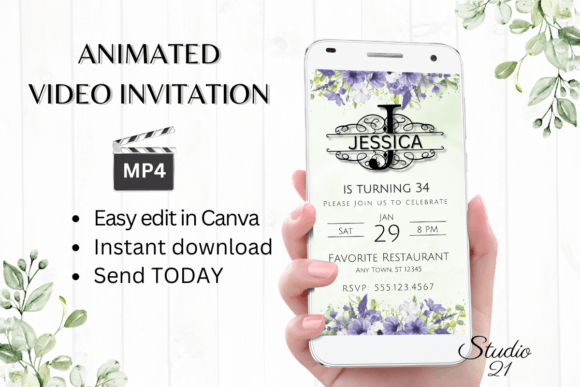
Elevate Your Event with the Smartphone Invitation Template
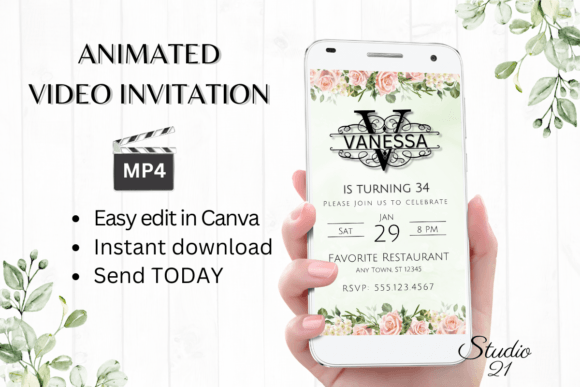
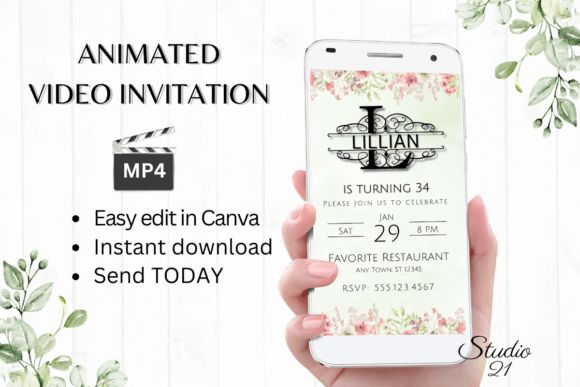
In the fast-paced world of event planning, timing is everything. Whether you are organizing a last-minute birthday bash, a baby shower, or a casual get-together, waiting for a designer to send you three rounds of proofs is a luxury few can afford. Enter the Smartphone Invitation (Monogram L) and its accompanying Digital Animated Video Invitation Template. This asset bridges the gap between professional graphic design and the immediate needs of modern hosts. It is a premium design solution built for the DIY era, allowing you to download, edit, and send a polished, animated invitation within minutes. By leveraging the accessibility of Canva, this template eliminates the technical barriers often associated with motion graphics, making high-end digital invites accessible to everyone from tech-savvy entrepreneurs to casual party planners.
The Power of Modern Typography in Digital Invites
Visual communication has evolved significantly beyond static paper cards. Today, a digital invitation is often the first touchpoint a guest has with your event, setting the tone for what’s to come. The Smartphone Invitation (Monogram L) understands this shift, utilizing a clean, modern typography style that prioritizes readability and elegance. The "Monogram L" style suggests a personalized, classic aesthetic, often featuring serif or semi-serif elements that provide a timeless look while fitting perfectly on a modern smartphone screen. This isn't just about text; it's about brand identity applied to personal events.
For small business owners and content creators, the principles used in this invitation template are directly transferable to broader marketing assets. When you use a high-quality display font for an invitation, you are engaging in the same visual strategy used in packaging design and editorial layouts. The template’s typography ensures that the hierarchy of information—date, time, location, and RSVP—is immediately clear, a crucial aspect of user experience design.
Practical Applications: Beyond the Party Invite
While the primary function of this asset is clearly social, the versatility of the Smartphone Invitation (Monogram L) extends into commercial territory. The underlying design principles make it a valuable resource for various creative projects. Consider the following real-world applications where this type of digital asset shines:
- Social Media Graphics: The 1080 x 1920 px dimensions are perfect for Instagram Stories or TikTok visuals. If you are a fashion blogger or a lifestyle brand, you can repurpose the animation styles to announce flash sales or product drops.
- Brand Consistency: For businesses that host webinars, workshops, or virtual networking events, using a consistent template style helps reinforce brand recognition. The "Monogram" aesthetic implies sophistication, suitable for high-end consulting or boutique agencies.
- Marketing Assets: Instead of a static flyer, imagine sending an animated MP4 video to your email list announcing a new service. The motion captures attention in a crowded inbox far better than a static image.
- Merchandise and Packaging Teasers: If you are launching a new product line, a short, animated video invitation can serve as a "save the date" for your launch party, tying your packaging design aesthetic directly to your customer engagement.
Streamlining Your Workflow with Canva Integration
One of the most significant hurdles in digital design is the software learning curve. Professional tools like After Effects or Premiere Pro offer immense power but require significant time and technical skill. The Smartphone Invitation (Monogram L) template bypasses this entirely by utilizing Canva, a browser-based platform that most creatives are already familiar with. This approach democratizes motion design, allowing you to focus on the message rather than the mechanics.
The editing options provided are robust yet user-friendly. You have the freedom to personalize text, change font styles, colors, and sizes, and even modify animation styles without needing to download specialized software or purchase expensive fonts. This is particularly beneficial for entrepreneurs who need to pivot quickly. If your event theme changes from "Elegant Gold" to "Modern Minimalist," you can adjust the color palette and text effects in real-time. The ability to download the final product as an MP4 file ensures compatibility across all sharing platforms, from WhatsApp to email newsletters.
Design Tips for a Polished Look
Even with a premium template, the success of your design relies on how you customize it. Here is some practical advice to ensure your invitation looks professional and aligns with your visual goals:
- Font Pairing Discipline: While the template allows you to change fonts, resist the urge to use too many styles. Stick to a maximum of two typefaces—one for headers and one for body text. If the "Monogram L" style uses a bold serif for the header, pair it with a clean sans-serif font for the details to maintain readability.
- Color Psychology: Colors evoke emotions. If this is a wedding invite, soft pastels or neutrals work best. For a corporate mixer, stick to your brand’s primary colors. Remember that colors may vary depending on the device used by the viewer, so test your design on both a computer monitor and a mobile phone before sending.
- Readability on Mobile: Since this is a smartphone invitation, ensure your text is large enough to read on small screens. Avoid long paragraphs; stick to the essential who, what, when, and where.
- White Space: Don't clutter the animation. The breathing room between text elements helps the viewer process the information and makes the animation feel smoother.
Technical Specs and Final Delivery
Understanding what you are purchasing is key to a smooth workflow. This is a digital download, meaning no physical product will be shipped. Upon purchase, you receive a PDF containing a direct link to the Canva template and a comprehensive user guide. The guide is essential reading, especially if you are new to editing templates in Canva, as it details how to access your files and utilize specific features.
The template size of 1080 x 1920 pixels is the industry standard for vertical video and mobile content, ensuring your invitation looks crisp on high-resolution smartphone displays. Once you have finished your edits, you can download the file as an MP4 to share via text, Messenger, or iMessage. Alternatively, you can generate a shareable link within Canva to forward the invitation via email. This flexibility ensures that no matter how your audience prefers to communicate, you have a method to reach them.
Ultimately, the Smartphone Invitation (Monogram L) is more than just a template; it is a workflow solution. It combines the elegance of modern typography with the efficiency required by today’s fast-moving digital landscape. Whether you are a designer looking for a quick mockup, a business owner organizing a networking event, or a hobbyist planning a family gathering, this tool provides the professional polish you need without the wait time you don't. By mastering the editing options and applying thoughtful design choices, you can create a memorable, engaging experience for your guests before the event even begins.