Make Your Event Unforgettable with a Digital Animated Invitation
The moment you decide to celebrate something special—an engagement, a milestone, or a brand launch—the first impression often starts with the invitation. In a world where our inboxes are crowded and our attention spans are short, a static image or a basic text message simply doesn't cut it anymore. You need something that moves, something that pops, and something that feels as modern as the people receiving it. This is where the power of high-quality digital assets comes into play, transforming a simple notification into a memorable experience.
Why Animation is the New Standard for Personal and Professional Invites
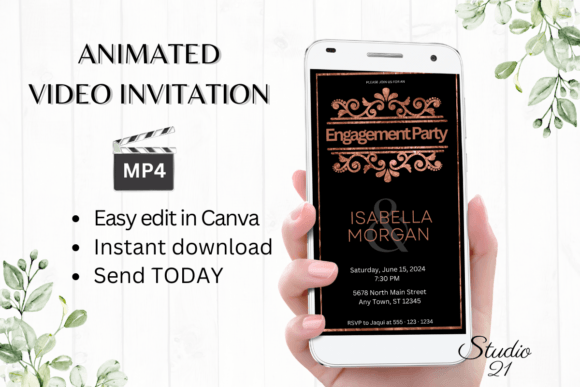
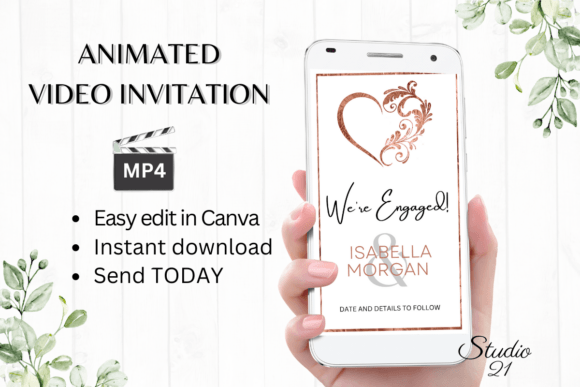
Visual communication has shifted dramatically toward motion. Whether you are a small business owner announcing a grand opening or a creative professional sharing a portfolio update, movement captures the eye in ways that flat design cannot. The Digital Engagement Announcement W1920B template is designed specifically for this purpose. It isn't just a file; it is a complete design solution that leverages the Canva platform to bring your event details to life.
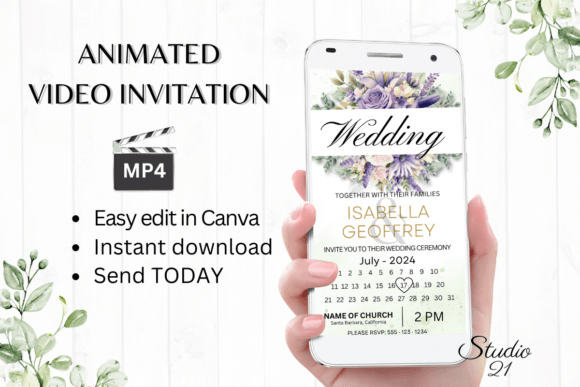
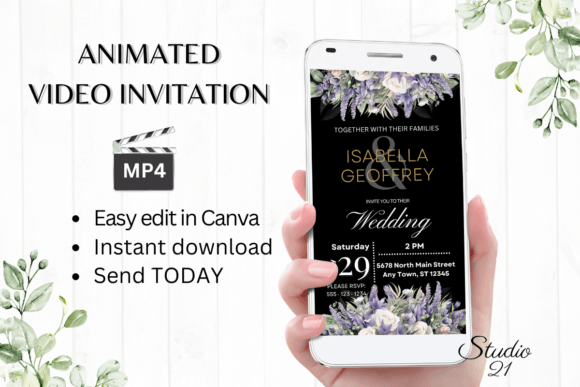
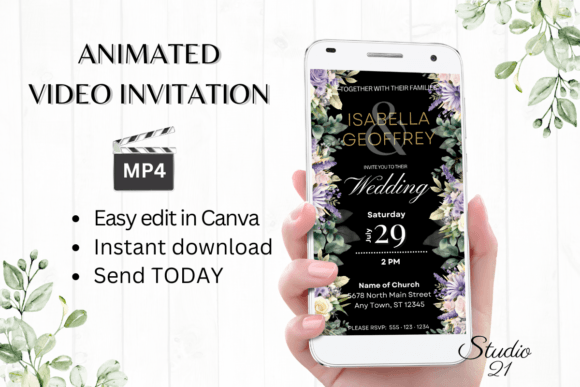
The appeal of this specific template lies in its versatility and modern aesthetic. It is built for the vertical format (1080x1920 px), which is the gold standard for mobile viewing. Since most of your audience will likely open your invitation on their phones via text or social media, this aspect ratio ensures your message fills the screen perfectly without awkward cropping or black bars. The design balances elegance with energy, making it suitable for a wide range of demographics, from a sophisticated engagement party to a vibrant digital product launch.
Practical Applications: Beyond Just Parties
When we think of "invitations," our minds usually jump to weddings or birthdays. However, the utility of a high-end digital template like the Digital Engagement Announcement W1920B extends far into the realm of business and content creation. For marketers and entrepreneurs, this template serves as an excellent asset for:
- Digital Product Launches: Instead of a boring email, send a dynamic video invitation to your VIP list announcing a new course, ebook, or service.
- Social Media Events: Hosting a Twitter Space, Instagram Live, or webinar? A moving invitation stands out in the feed and increases click-through rates.
- Brand Announcements: If you are rebranding or releasing new merchandise, an animated "save the date" builds hype and anticipation.
- Client Onboarding: For service-based businesses, sending a polished, animated welcome message adds a layer of professionalism that builds immediate trust.
For designers and content creators, this template offers a chance to practice modern typography and motion without starting from scratch. It acts as a foundation that you can customize to fit specific brand identity guidelines, ensuring visual consistency across all your marketing assets.
Seamless Editing: The Power of Canva Integration
One of the biggest hurdles in using design assets is often the software barrier. High-end animation usually requires complex tools like After Effects or Premiere Pro, which have steep learning curves and subscription costs. The Digital Engagement Announcement W1920B bypasses this entirely by utilizing Canva.
This integration is a game-changer for accessibility. You do not need to download heavy software or manage font files. Once you access the template, you can edit it directly in your browser or on the Canva mobile app. This means you can make changes on the go—adjusting the text, changing the font style to match your brand identity, or swapping out colors—without waiting for a designer to send you proofs.
The editing options are robust. You aren't just changing the words; you are controlling the visual narrative. You can:
- Personalize Text: Add your specific event details, names, and times.
- Adjust Typography: Change font styles, sizes, and colors to match your aesthetic, whether you prefer a serif font for classic elegance or a sans serif font for modern minimalism.
- Modify Animations: Tweak the motion styles to control the pacing and feel of the video.
Once you are satisfied, the export process is just as simple. You can download the file as an MP4, ready to be shared instantly via WhatsApp, Messenger, email, or embedded on a website.
Design Considerations: Ensuring Readability and Impact
While the template provides the structure, the success of your Digital Engagement Announcement W1920B relies on how you use it. Here are some practical tips for maximizing the visual impact of your invitation:
- Contrast is King: When customizing text colors, ensure there is high contrast against the background. If the template has a busy background, consider using the text effects available in Canva (like drop shadows or outlines) to make the text pop.
- Keep it Concise: Animated videos are short. Don’t clutter the screen with paragraphs of text. Focus on the "Who, What, When, and Where." Use the animation to reveal information sequentially if possible.
- Font Pairing: If you decide to change the fonts, stick to two typefaces max. One for headers (perhaps a display font or script font) and one for body text (a clean readable font). This maintains a professional presentation without looking chaotic.
- Brand Consistency: If this is for a business, use your exact brand hex codes. Consistency in color builds brand recognition and makes the invitation feel like an official part of your ecosystem.
The Logistics of Digital Distribution
Unlike physical mail, digital distribution is instant and trackable. Once you have your MP4 file ready, the possibilities are endless. You can upload it directly to social media platforms like Instagram Reels or TikTok to generate organic reach. You can also host the video on a landing page for your event.
It is important to note the licensing considerations. Because this is a digital download, you typically have the freedom to use it for personal projects. However, if you are using it for commercial purposes—such as selling the invitation design to a client or using it in paid advertising—always review the specific terms provided in the download. Most templates of this nature allow for broad usage, but verifying the rights ensures you stay compliant.
The "no physical product" aspect also means there is zero waste. It is an eco-friendly alternative to paper invites, aligning with the values of many modern consumers and businesses who are looking to reduce their carbon footprint.
Final Thoughts on Digital Assets
The shift toward digital-first communication is undeniable. Assets like the Digital Engagement Announcement W1920B represent the sweet spot of design efficiency and high-end aesthetics. They empower individuals and businesses to produce content that looks like it was made by a professional agency, at a fraction of the cost and time. Whether you are celebrating a personal milestone or launching your next big project, starting with a dynamic, animated foundation sets the tone for something truly exciting.