Create Stunning Digital Wedding Invitations in Minutes
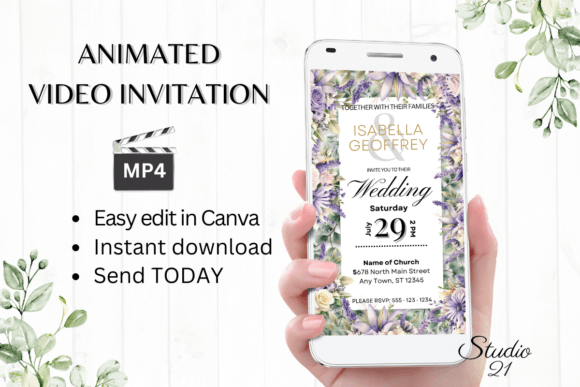
Planning a wedding involves a thousand details, but announcing your big day doesn't have to be one of the stressful ones. If you've been searching for a way to create a beautiful, professional-looking wedding invitation without hiring a designer or wrestling with complicated software, the Digital Wedding Invitation W8410 might be exactly what you need. This animated video invitation template offers a modern, elegant solution that lets you design, personalize, and share your invite in a matter of minutes—not days.
What Makes This Animated Invitation Template Stand Out
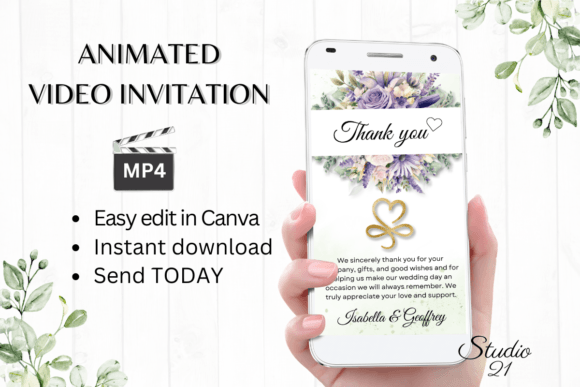
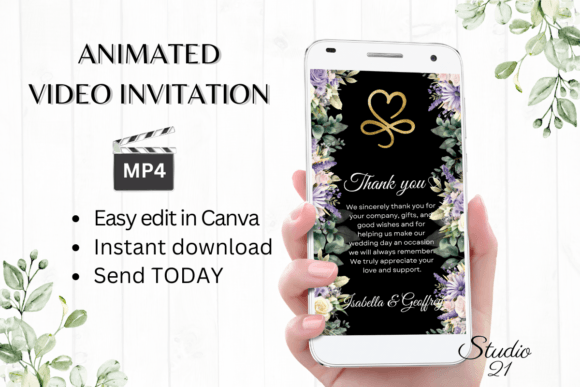
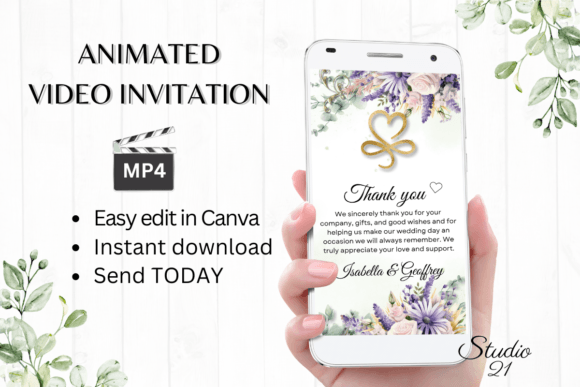
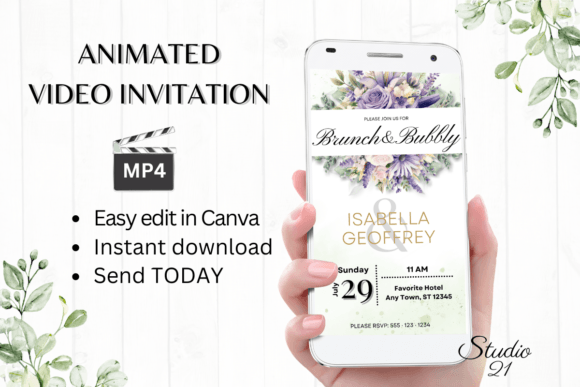
The W8410 template is built for couples who want something polished and visually striking without the traditional back-and-forth of custom design work. Once you download the file, you receive a PDF containing a direct link to the Canva template along with a detailed user guide. There's no software to install, no fonts to download, and no design degree required. You simply open the link in Canva—either on your computer or mobile device—and start editing.
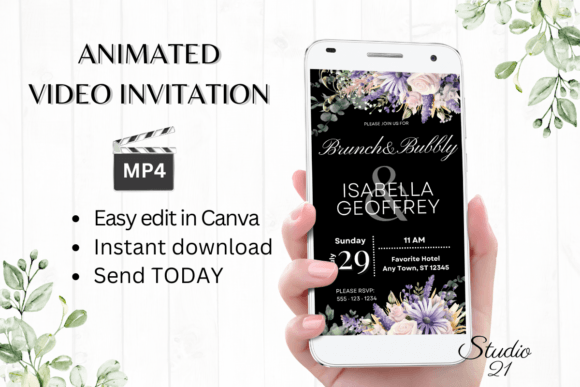
What sets this particular template apart is its animation style. Rather than a static image that gets lost in a crowded inbox, the Digital Wedding Invitation W8410 delivers a smooth, professionally animated video that immediately captures attention. The 1080x1920 pixel format is optimized for mobile viewing, which is exactly where most of your guests will first see it. Whether they open it through a text message, WhatsApp, Messenger, or email, the invitation looks crisp and intentional on any screen.
How to Personalize Your Invitation Without Design Experience
One of the biggest advantages of using a Canva-based template is the editing flexibility it provides. You can change every piece of text on the invitation—names, dates, venue details, RSVP information, and any custom messages you want to include. The template also lets you adjust font styles, colors, and sizes, so you can match the typography to your wedding's overall aesthetic. If your celebration has a romantic, classic feel, you might lean toward elegant serif fonts. For something more contemporary, clean sans serif options work beautifully.
Beyond text, you can modify animation styles to suit your taste. Maybe you prefer subtle fades over playful transitions, or perhaps you want to adjust the timing of certain elements. These changes happen directly within Canva's interface, and the process is intuitive enough that you can experiment freely without worrying about breaking anything. If you make a change you don't like, simply undo it and try again.
Once you're satisfied with your design, download the finished invitation as an MP4 file. This video format is universally compatible, meaning you can share it through virtually any messaging platform. The included user guide walks you through every step, from accessing the template for the first time to exporting the final video. It also covers how to generate a shareable link if you prefer to send invitations via email rather than direct messaging.
Practical Applications Beyond Wedding Announcements
While the Digital Wedding Invitation W8410 is designed specifically for weddings, the underlying approach—using animated video templates for personal announcements—has broader applications worth considering. Engagement parties, bridal showers, rehearsal dinners, and even save-the-date reminders can all benefit from the same animated format. The template structure is flexible enough that with a few text and style adjustments, you can repurpose it for related events throughout your wedding journey.
For small business owners and entrepreneurs in the event planning space, understanding how these templates work can also inform your own client offerings. If you're a wedding planner, photographer, or stationery designer, being familiar with digital invitation tools like this one allows you to recommend practical solutions to clients who want something quick and affordable. It's a way to add value without taking on the full design workload yourself.
Why Animated Invitations Are Gaining Popularity
Static digital invitations have been around for years, but animated versions are quickly becoming the preferred choice for modern couples. There's a simple reason: movement catches the eye. When someone scrolls through dozens of messages and notifications, a subtle animation—perhaps a gentle text reveal or a flowing background effect—stands out in ways a flat image simply cannot. The Digital Wedding Invitation W8410 leverages this principle with tasteful motion that feels celebratory without being overwhelming.
There's also a practical benefit to the video format. Unlike a PDF or image file that might display differently depending on the recipient's device or email client, an MP4 video plays consistently across platforms. Your guests won't need to zoom in, rotate their screens, or download a special app. They tap play, watch the invitation unfold, and have all the information they need.
From a branding perspective—yes, even weddings have a brand—animated invitations help establish a cohesive visual tone for your event. The colors, fonts, and animation style you choose in your invitation can carry through to other digital touchpoints like your wedding website, social media announcements, and thank-you messages. This kind of visual consistency makes your entire celebration feel more thoughtfully curated, and it starts the moment someone opens your invite.
Things to Keep in Mind Before You Start Editing
Before diving into customization, take a few minutes to gather all the details you'll need: full names, event date and time, venue address, dress code, RSVP deadline, and any special instructions for guests. Having this information ready will make the editing process much smoother and help you avoid multiple rounds of revisions.
Also consider your color palette. The template comes with a default color scheme, but you can adjust it to match your wedding colors. Think about how those colors will appear on different screens—what looks like a soft blush pink on your laptop might read differently on a friend's phone. The product notes mention that colors may vary depending on the device used, so it's worth previewing your finished invitation on at least two different screens before sending it out.
Finally, remember that Canva saves your work automatically, and you can return to edit the template at any time. If your venue changes or you need to update the RSVP date, simply open the template, make the adjustment, and re-download the MP4. There's no need to start from scratch, and no waiting for a designer to send updated proofs. That kind of flexibility is genuinely valuable during the often unpredictable months leading up to a wedding.
The Digital Wedding Invitation W8410 represents a practical middle ground between expensive custom design and generic free templates. It gives you professional-quality animation and thoughtful design structure while putting the personalization entirely in your hands. For couples who want their invitations to feel special without adding another complicated task to their planning list, it's a solution worth exploring.